
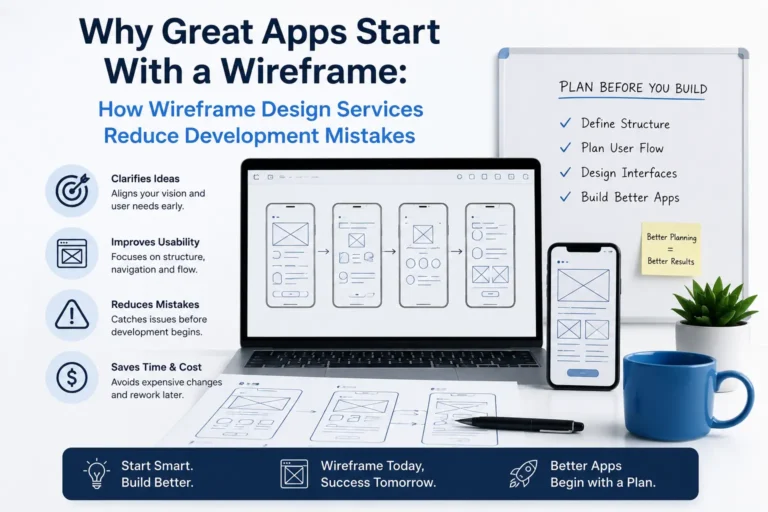

A mobile app can look great in a design presentation and still be difficult to use.

The colours can be perfect. The animations can look impressive. Every feature can be included.

But if users don’t know what to do next, developers aren’t clear about how a feature should work, or important steps were missed during planning, problems usually appear later, and fixing them gets harder.

That’s where wireframing comes in.

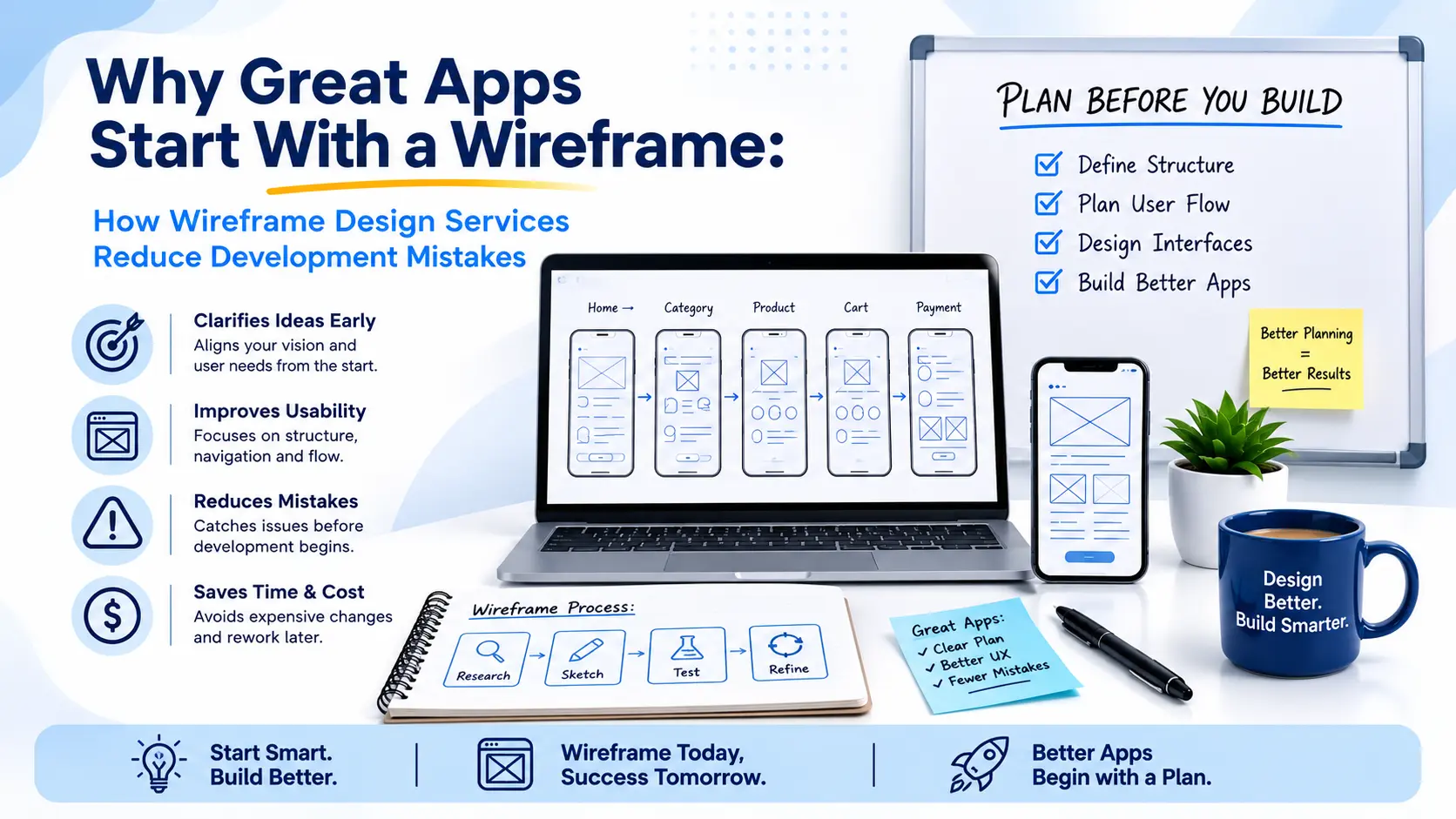
A wireframe gives your app a clear structure before detailed design and development begin. It shows how screens connect, where important information belongs, and how users move through the product.

For businesses planning a new app, Wireframe Design Services can help turn an early idea into a clear product structure before development begins.

In simple terms, you can find problems before you spend money building them.

Quick Summary

A great app starts with a clear structure before development begins. Wireframe Design Services help businesses map user flows, navigation, screens, and key interactions early, making it easier to identify usability issues, missing steps, unnecessary features, and costly development changes. This guide explains how effective wireframing can reduce uncertainty, improve communication between teams, and create a stronger foundation for app design and development.

What Is a Wireframe in App Development?

Think of a wireframe as the blueprint of an app.

Instead of focusing on colours, images, animations, or branding, it focuses on how the product works.

A typical app wireframe can show:

  • Screen layouts
  • Navigation
  • Content structure
  • Buttons and key actions
  • User flows
  • Forms
  • Important interactions
  • Connections between screens

The goal isn’t to make the app look beautiful at this stage.

The goal is to answer one important question:

Does the product actually make sense to the person using it?

That’s why wireframing is useful before detailed UI design and development. Changes to the structure are generally easier to make before the product is fully designed or built.

What Happens When You Skip Wireframing?

Skipping wireframing doesn’t automatically mean your app will fail.

The problem is that important decisions may end up being made during development.

Imagine you’re building a food delivery app.

You have planned:

Login → Restaurants → Menu → Cart → Checkout

Looks straightforward.

But then the team starts asking:

  • What happens if a restaurant becomes unavailable?
  • Where does the customer add delivery instructions?
  • Can the delivery address be changed?
  • What happens when payment fails?
  • Can an item be removed after checkout starts?

These aren’t just design questions.

They can affect screens, user flows, backend logic, and development time.

This is where professional Wireframe Design Services can make a difference. Instead of discovering structural problems during development, the team can review the core experience before committing to the build.

7 Development Problems a Good Wireframe Can Help Prevent

1. Broken User Flows

A user might complete one action but have no clear idea what to do next.

Wireframing helps map the complete journey before development.

For example:  

Sign Up → Profile → Search → Product → Checkout → Confirmation

Seeing the entire journey makes missing steps much easier to identify.

2. Missing Screens and States

Teams often focus on what happens when everything works.

But real users don’t always follow the happy path.

What happens when:

  • A payment fails?
  • Is a password incorrect?
  • There are no search results?
  • The internet connection drops?
  • Is a form incomplete?
  • Is a product unavailable?

Planning these situations early can prevent confusion later.

3. Confusing Navigation

An app can have all the right features and still be frustrating to use.

The problem may be the way those features are organised.

Wireframes let you review navigation before visual design becomes the main focus.

If an important feature takes five taps to reach, it’s better to discover that during planning than after launch.

4. Unnecessary Features

This is especially important for startups.

An MVP can quickly become overloaded:

“Let’s add chat.”

“Let’s add notifications.”

“Let’s add subscriptions.”

“Let’s add social sharing.”

Before long, a simple product has become much more complicated.

A wireframe makes the full product structure visible. That makes it easier to separate must-have features from features that can wait.

5. Miscommunication Between Designers and Developers

Written requirements can be interpreted differently by different people.

A wireframe gives designers, developers, product managers, and stakeholders something visual to work from.

Instead of saying:

“Users should be able to edit their profile.”

You can show:

Profile → Edit → Update → Save → Confirmation

That makes the intended experience much clearer.

6. Designing the Wrong User Journey

This can be one of the most expensive mistakes.

A business might assume users want to:

Open → Browse → Compare → Buy

But the actual journey could be:

Open → Search → Filter → Compare → Save → Return → Buy

Without examining the journey, a team can spend time building an experience around assumptions that haven’t been tested.

Wireframing gives you an early opportunity to challenge those assumptions.

7. Expensive Redesigns

Changing a wireframe is usually much easier than changing a completed product.

Once development has started, a structural change can affect:

  • UI design
  • Development
  • Testing
  • Backend functionality
  • Project timelines

And after launch, changes can become even more disruptive.

Wireframing won’t eliminate every redesign.

But it gives your team a chance to discover structural problems earlier.

Wireframe vs UI Design: What's the Difference?

These two are often confused, but they serve different purposes.

Wireframe UI Design
Screen structure Visual appearance
Navigation Colours
User flow Typography
Content placement Branding
Key actions Visual details

A wireframe asks:

“How should this work?”

UI design asks:

“How should this look?”

You need both, but the structure should make sense before you spend too much time polishing the visuals.

Wireframe Design Services

Low-Fidelity vs High-Fidelity Wireframes

Not every project needs the same level of detail.
Low-Fidelity Wireframes
These are simple layouts used to explore ideas quickly. They focus on:
  • Structure
  • Navigation
  • User flows
  • Basic functionality
They’re useful when the product is still taking shape.

High-Fidelity Wireframes

These contain more detail and give stakeholders a clearer picture of the planned interface. They’re useful when the product direction is more established, and the team is preparing for detailed design or prototyping. The important thing isn’t choosing one over the other. It’s choosing the right level of detail for the stage of the project.

When Should You Create Wireframes?

Wireframing should generally happen before detailed UI design and development.

A typical process might look like:

Research → User Flows → Wireframes → Prototype → UI Design → Development → Testing

The process isn’t always perfectly linear.

Testing may reveal a problem that requires changes to the wireframe.

That’s not a bad thing.

Finding a problem during planning is far better than discovering it after launch.

What Do Wireframe Design Services Include?

If you don’t have an in-house UX or product design team, professional Wireframe Design Services can help turn your product idea into a clear structure before development begins.

A professional process may include:

Understanding Your Product

The team looks at your:

  • Business goals
  • Target users
  • Core features
  • User problems
  • Technical requirements
Mapping User Journeys

Different users may need to take different paths through the application.

Mapping these journeys helps ensure the experience is built around real user needs.

Creating Wireframes

The main screens and connections between them are mapped out.

Reviewing and Refining

The structure is reviewed with relevant stakeholders and adjusted where necessary.

Preparing for Design and Development

Once the structure is clear, the wireframes can guide prototypes, UI design, and development.

The real value of professional Wireframe Design Services isn’t simply producing screen layouts.

It’s reducing uncertainty before development begins.

What About Wireframing for AI-Powered Apps?

AI features introduce new interaction questions.

For example, if your app includes an AI assistant, you need to consider:

  • Where users access the assistant
  • How they provide information
  • How AI responses appear
  • What happens when the answer is incorrect
  • Whether users can regenerate responses
  • What happens while the AI is processing
  • What happens when the AI can’t answer

These aren’t only technical decisions.

They’re part of the user experience.

Modern Wireframe Design Services can help teams think through these interactions before AI features become part of the final interface.

Conclusion

A successful app starts with more than a good idea or attractive design. It needs a clear structure that makes sense for both the user and the development team.

Wireframing helps identify confusing navigation, missing screens, unnecessary features, and potential problems before they become expensive development changes.

If you’re planning a new app or improving an existing product, professional Wireframe Design Services can give your team a clearer direction before development begins.

Plan the experience first. Build it right the first time.

Frequently Asked Questions (FAQs)

1.What are Wireframe Design Services?

Wireframe Design Services involve planning the structure, navigation, screen layouts, and user flows of an app or digital product before detailed UI design and development.

2. Can wireframing reduce app development costs?

It can help reduce rework by identifying structural and usability issues earlier in the process. It doesn't guarantee a fixed development cost.

3. What is the difference between a wireframe and a prototype?

A wireframe focuses on structure and user flow. A prototype adds interaction so the planned experience can be tested before development.

4. When should wireframes be created?

Wireframes are generally created after the initial requirements and user journeys are understood, but before detailed UI design and development.

5. Do AI-powered apps need wireframes?

Wireframing can be particularly useful for AI-powered apps because teams need to plan interactions such as prompts, responses, loading states, errors, and user controls.

Get Started Today

Let’s build something users love!

Related Posts

No more posts to show

Related Posts