
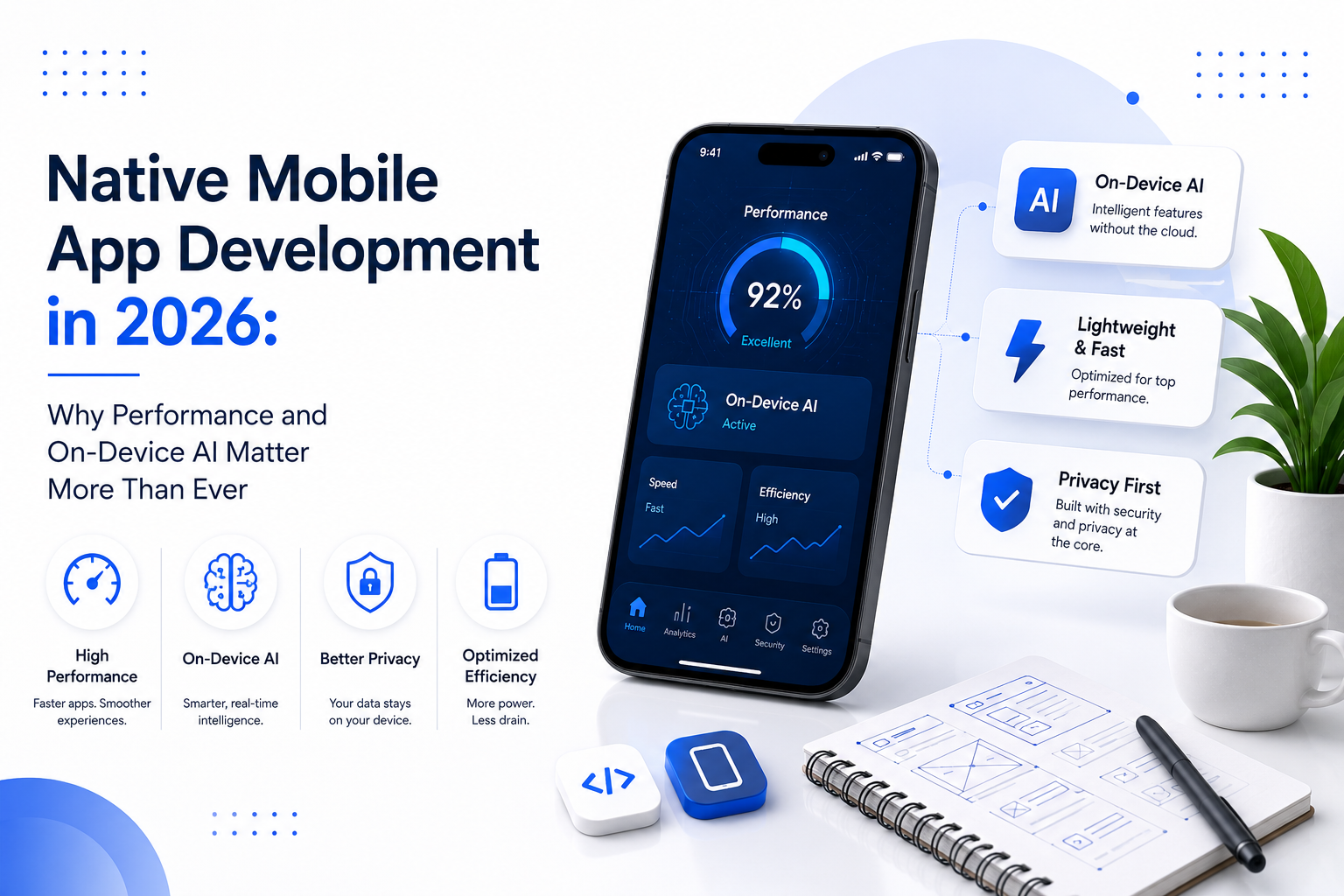
Mobile apps are no longer competing only on features.

Users expect apps to open quickly, respond instantly, work reliably, protect their data, and increasingly understand what they need without making them complete endless steps.

That is changing the way businesses think about Native Mobile App Development.

In 2026, native development is becoming more interesting because mobile devices themselves are becoming more capable of running intelligent features. Android is expanding support for on-device AI and system-level intelligent experiences, while Apple is giving developers native tools for running AI models directly on Apple devices.

But here’s the important part:

Adding AI to an app doesn’t automatically make it a better app.

The real opportunity is combining native performance with the right AI capabilities to create faster, smarter, and more useful mobile experiences.

Quick Summary

In 2026, Native Mobile App Development is about more than building apps for iOS or Android. Performance, privacy, offline reliability, and on-device AI are becoming important parts of the user experience. This guide explains how native development and on-device AI can work together to create faster, smarter, and more efficient mobile apps and when this approach actually makes sense for a business.

What Is Native Mobile App Development?

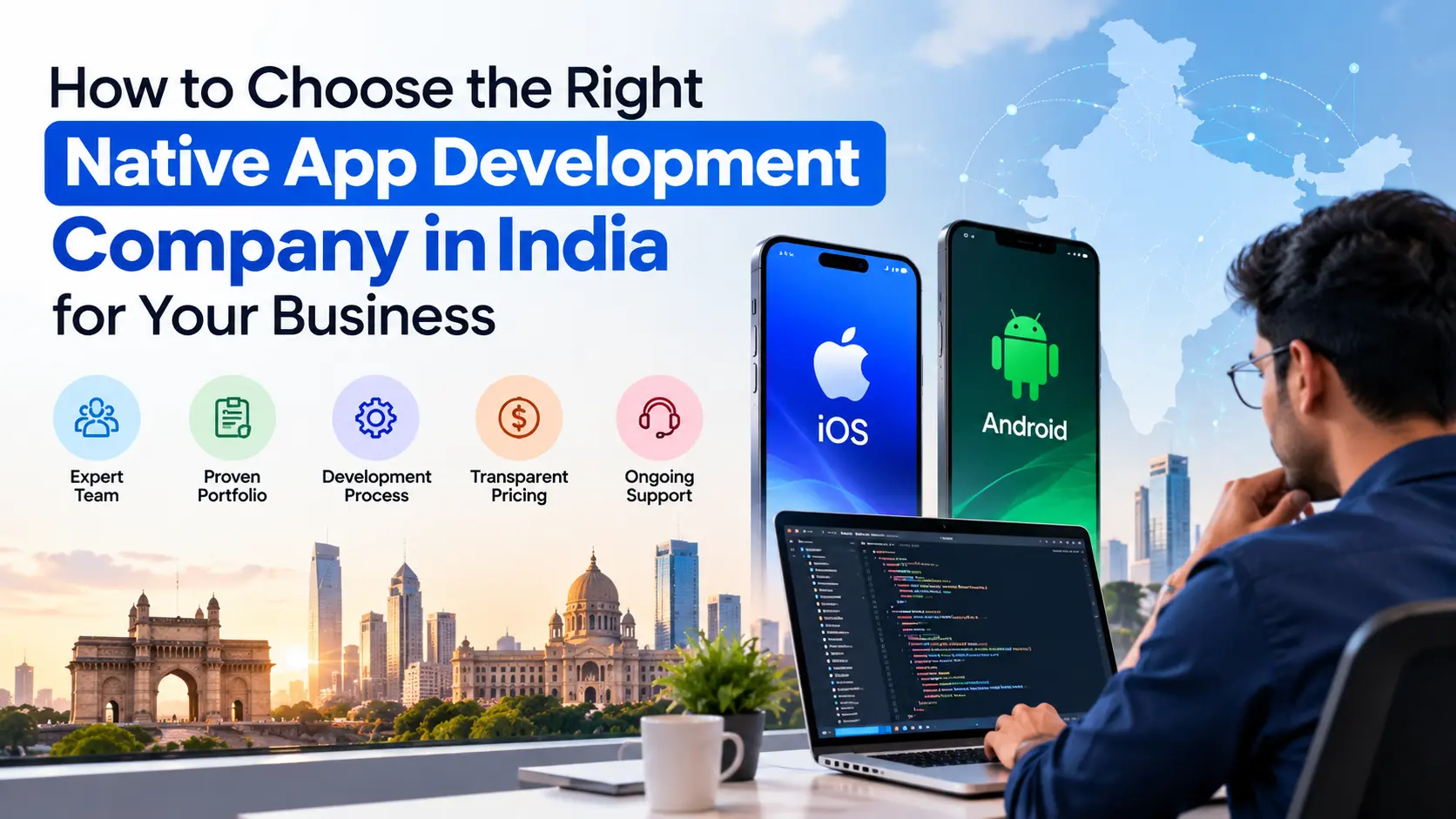
Native Mobile App Development means building an application specifically for a particular operating system using its native programming languages, frameworks, and development tools.

For example:

  • Android apps can be built using Kotlin and Android’s native development ecosystem.
  • iOS apps can be built using Swift and Apple’s native frameworks.

Unlike cross-platform approaches that aim to share much of the same code between operating systems, native development gives developers deeper access to platform-specific capabilities.

That can matter when an application depends heavily on:

  • Device hardware
  • Camera and sensors
  • Bluetooth
  • Location services
  • Biometrics
  • Push notifications
  • Advanced graphics
  • AI and machine learning
  • Background processing
  • Platform-specific security features

The choice isn’t simply native vs cross-platform.

The better question is:

What does your app need to do, and which development approach gives users the best experience for that use case?

Why Performance Matters More in 2026

People have very little patience for slow applications.

A user may forgive a complicated feature. They are far less likely to forgive an app that takes too long to open, freezes during an important action, or constantly waits for a server response.

Performance affects more than technical benchmarks.

It can influence:

  • User satisfaction
  • Engagement
  • Retention
  • Conversion rates
  • App reviews
  • Brand perception

Native applications can take advantage of platform-specific APIs, hardware acceleration, memory management, and operating-system capabilities.

That doesn’t mean every native app will automatically be fast.

A poorly designed native app can still be slow.

Native development gives developers more control. It doesn’t replace good engineering.

That distinction is important when businesses are choosing their technology stack.

The Rise of On-Device AI

This is where mobile development gets particularly interesting.

Traditionally, many AI-powered features depend on sending information to a cloud server, processing it remotely, and returning the result to the application.

That model is still useful, especially for complex tasks.

But not every AI task needs the cloud.

On-device AI allows certain AI processing to happen directly on the user’s device.

Android’s current developer tools support on-device inference using models such as Gemini Nano, while also providing hybrid approaches where an application can decide whether a task should run locally or in the cloud.

Apple is moving in a similar direction. Its Foundation Models framework provides native Swift APIs for accessing on-device models, while Core AI is designed to run AI models directly on Apple hardware.

This creates an important opportunity for mobile developers.

What Are the Benefits of On-Device AI?

1. Faster responses

If an AI task can be handled locally, the application doesn’t always need to send data to a remote server and wait for a response.

That can reduce latency.

Google’s own Android example demonstrated an on-device feature where response time was reduced from around 13 seconds to under 2 seconds after optimisation.

For users, that difference is huge.

A feature that feels instant can feel completely different from one that makes the user wait.

2. Better privacy

Some information is sensitive.

Think about:

  • Personal messages
  • Voice recordings
  • Photos
  • Documents
  • Health-related information
  • Financial information
  • Private notes

When processing can happen locally, certain data does not have to leave the device.

That doesn’t mean on-device AI automatically makes an application private. Developers still need strong security, permissions, data handling, and privacy practices.

But local processing can reduce the amount of information that needs to be sent to a server.

3. Less dependence on connectivity

A cloud-only AI feature can become difficult to use when the user has poor connectivity.

On-device processing can allow certain features to continue working even when the user is offline or has an unreliable connection. Android specifically highlights offline reliability as one of the advantages of on-device inference.

This can be especially useful for:

  • Travel applications
  • Field-service apps
  • Productivity tools
  • Voice features
  • Document processing
  • Personal assistants
  • Mobile utilities

4. Potentially lower cloud costs

Not every AI request doesn’t necessarily need to go through a cloud model.

If suitable tasks can run locally, businesses can reduce the amount of cloud inference required.

Android’s documentation specifically points to the potential to scale on-device features without additional cloud inference costs.

But again, don’t oversell this.

Large or complex AI workloads may still require cloud infrastructure.

The smarter architecture may be hybrid AI, not purely on-device AI.

Native + On-Device AI: A Powerful Combination

This is where Native Mobile App Development becomes particularly interesting.

A native app can work closely with the capabilities provided by the operating system and device hardware.

That can help developers build experiences where AI is integrated into the product rather than simply added as a chatbot.

For example:

An e-commerce app

Instead of simply adding an AI chatbot, the app could use AI to understand a customer’s preferences and help them discover products more naturally.

A productivity app

AI could summarise information, organise notes, extract useful details from documents, or help users complete repetitive tasks.

A travel app

An application could process itinerary information locally and provide summaries or recommendations without requiring every interaction to go through the cloud.

A field-service application

Workers could capture information using the camera or voice and receive assistance while working in locations with unreliable connectivity.

The key is not:

“Where can we add AI?”

The better question is:

“Where can intelligence remove friction from the user’s experience?”

Does Every App Need On-Device AI?

No.

And this is where businesses often get the strategy wrong.

AI is not a feature you add because competitors have it.

If your application is a simple booking platform, catalogue, internal dashboard, or utility app, forcing an AI assistant into it may make the product more complicated without providing meaningful value.

On-device AI also comes with trade-offs.

Developers need to consider:

  • Device compatibility
  • Model size
  • Memory usage
  • Battery consumption
  • Processing power
  • Model accuracy
  • Update strategy
  • Security
  • Fallback behaviour

Google’s Play for On-device AI, for example, provides different delivery options for AI models, including install-time, fast-follow, and on-demand delivery, along with device targeting capabilities.

So the question isn’t whether on-device AI is “better.”

The question is:

Is it the right architecture for this particular feature?

On-Device AI vs Cloud AI: Which One Should You Choose?

There is no universal winner.

Requirement On-Device AI Cloud AI
Low latency Excellent for suitable tasks Depends on network
Offline functionality Strong Limited
Data privacy Strong potential Requires secure data transmission
Large models More limited Better suited
Complex reasoning May be limited Generally stronger
Cloud infrastructure Lower dependency Required
Device compatibility Important consideration Less dependent on device hardware
Scaling AI workloads Can reduce inference demand Cloud resources can scale

For many modern applications, hybrid AI may be the most practical approach.

Run lightweight, privacy-sensitive, or latency-critical tasks on the device and send more complex workloads to the cloud when necessary.

Android is already providing developers with hybrid inference approaches that can route tasks between local and cloud execution.

Native Mobile App Development

Why Businesses Should Think Beyond "App Development"

Building an app in 2026 isn’t simply about getting something published on the App Store or Google Play.

A successful product needs to answer bigger questions:

  • Who is the app for?
  • What problem does it solve?
  • Which features actually matter?
  • How fast does it need to respond?
  • What data should stay on the device?
  • Where does AI genuinely improve the experience?
  • What happens when the user is offline?
  • How will the application scale?
  • How will the product evolve after launch?

This is why technology decisions should happen alongside product and UX strategy.

Choosing native development simply because it sounds more powerful isn’t enough.

Choosing AI simply because it is trending isn’t enough either.

The technology should serve the product, not the other way around.

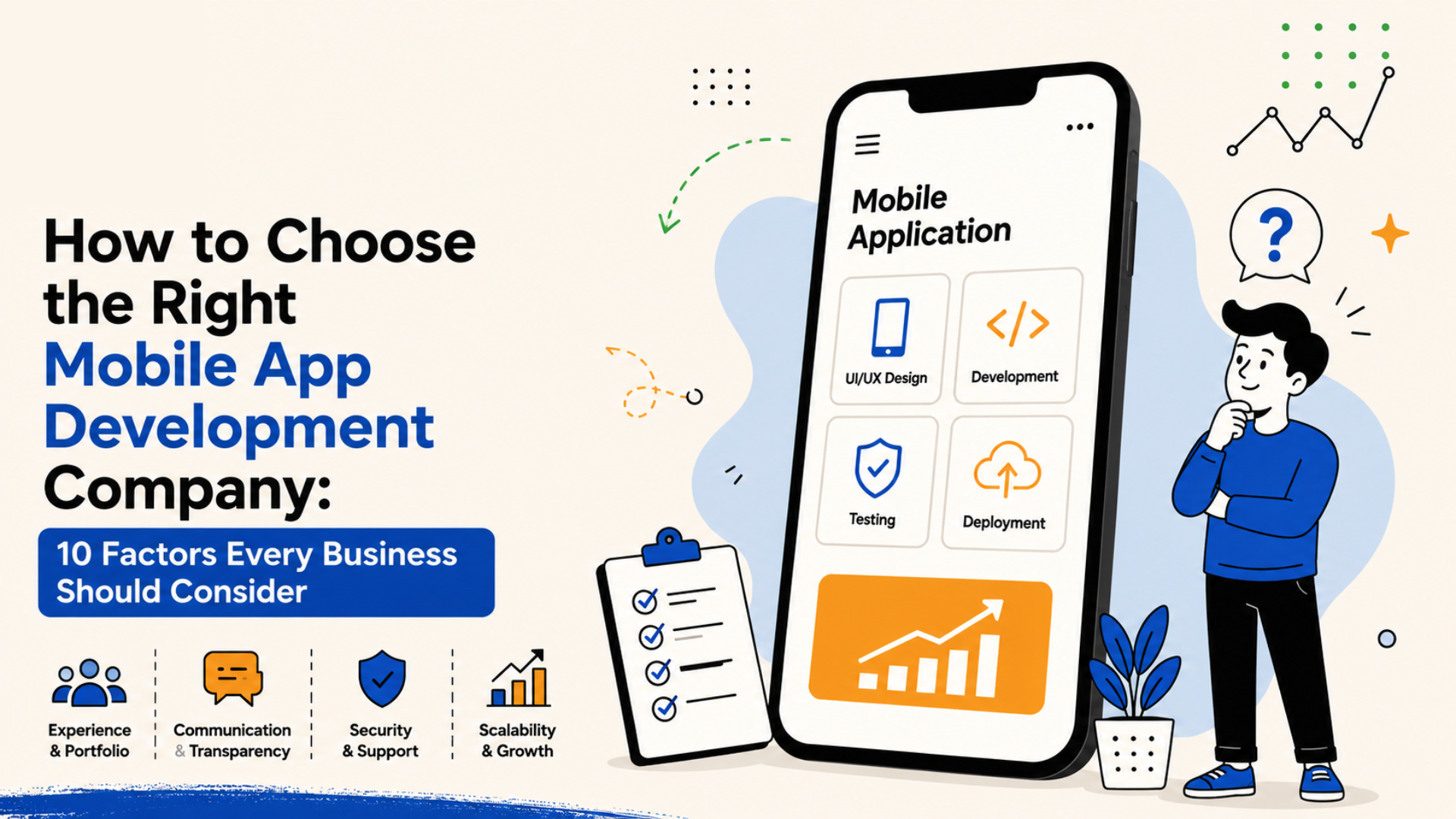
What Should Businesses Look for in a Native App Development Partner?

Before choosing a development company, don’t ask only:

“Can you build an Android or iOS app?”

Ask better questions:

  • How will you approach app performance?
  • How will you protect user data?
  • Do you have experience with native AI capabilities?
  • When would you recommend on-device versus cloud AI?
  • How will you test performance across different devices?
  • How will you handle offline functionality?
  • How will the app scale after launch?
  • How will you measure whether the product is actually successful?

A development partner should be able to discuss business goals, product strategy, UX, architecture, performance, security, and scalability not just programming languages.

Final Thoughts

The next generation of mobile applications won’t win simply because they contain more features.

They’ll win because they feel faster, smarter, more private, and more useful.

Native Mobile App Development gives businesses deeper access to the capabilities of modern mobile platforms, while on-device AI creates new possibilities for intelligent experiences that can operate with lower latency, greater privacy, and less dependence on constant connectivity. Android and Apple are both expanding their native AI capabilities, making this an increasingly practical part of modern app development.

But don’t build an AI feature just because AI is trending.

Build it when it makes the product better.

That’s the difference between an app that simply uses modern technology and a product that actually benefits from it.

Frequently Asked Questions (FAQs)

1. What is Native Mobile App Development?

Native Mobile App Development involves creating applications specifically for Android or iOS using the platform's native technologies and frameworks. It provides deeper access to device and operating-system capabilities.

2. Is native app development better than cross-platform development?

Not always. Native development can be a strong choice for applications requiring high performance, advanced device capabilities, security, or deep platform integration. The right approach depends on the project's requirements.

3. What is on-device AI?

On-device AI processes certain AI tasks directly on a user's device instead of sending every request to a cloud server. This can improve latency, privacy, offline reliability, and potentially reduce cloud inference requirements.

4. Does every mobile app need AI?

No. AI should solve a genuine user or business problem. Adding AI without a clear purpose can increase complexity and development costs without improving the product.

5. Can native mobile apps use both on-device and cloud AI?

Yes. A hybrid approach can use on-device processing for suitable tasks and cloud AI for workloads that require larger models, more context, or greater computing resources.

Get Started Today

Let’s build something users love!

Related Posts

No more posts to show

Related Posts